


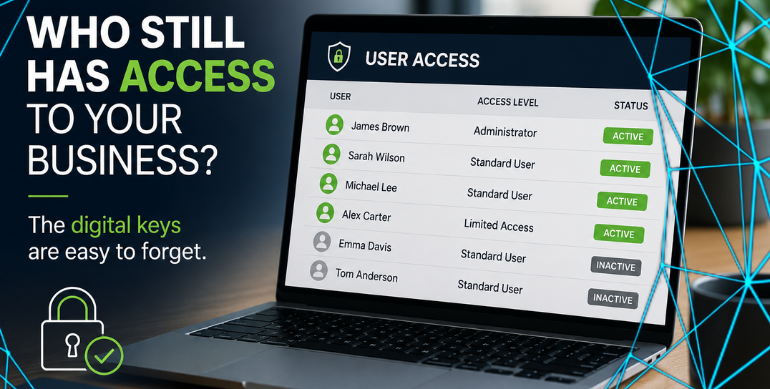
20 Aug User Access Management: Who Has Access to Your Business?
Think of someone who left your business in the last year.
Laptop returned? ✔
Keys handed back? ✔
Door pass cancelled? ✔
But here’s the one that’s easily forgotten:
Could they still access any of your business systems?
Microsoft 365. Shared files. Cloud software. Supplier portals. Social media. Shared passwords.
We’re usually very good at taking back the physical keys.
The digital keys are much easier to forget.
Access Has a Habit of Building Up
When someone joins your business, they might start with email and a few shared folders.
Over time, they’re given access to more.
Accounts software. Customer systems. Cloud applications. Social media. Supplier portals.
The same applies to current employees. People change roles, but the access they were originally given doesn’t always change with them.
This is where simple user access management helps: making sure people can access what they need — and nothing they don’t.
Try This Five-Minute Check
Pick one person in your business and ask:
Could you list everything they currently have access to?
Think about:
- Microsoft 365
- Shared files
- Business software
- Remote access
- Supplier portals
- Social media
- Shared passwords
Now think about someone who has left.
Are you completely confident their access has gone?
If you’re not sure, it’s worth checking.
Don’t Forget Shared Passwords
This one’s particularly easy to miss.
You can disable someone’s Microsoft 365 account, but that doesn’t make them forget a shared password.
If several people use the same login, consider changing the password when someone leaves — or, where possible, give everyone their own account.
Three Questions. That’s It.
You don’t need to make this complicated.
Every so often, review your business access and ask:
Who has access?
What can they access?
Do they still need it?
That’s user access management in simple terms.
And it can help prevent old accounts and forgotten permissions becoming a security problem later.
Not Sure Who Has Access?
If you’re unsure who can access your Microsoft 365 environment, we can help.
Simply IT can review your users, accounts and permissions and help make sure the right people have the right access.
No complicated jargon. Just a clearer picture of who can access your business.
Stay Connected on Social Media
Stay in the loop with the latest news and upcoming trends in the tech industry by following us on Facebook and LinkedIn.
Want to Read More?
If you found this blog useful, you may also enjoy reading: Are You Paying for Software Nobody Uses? – Simply IT